
At a Glance
- iOS 26 introduces 18 hidden tweaks that improve daily phone use.
- New snooze duration, custom ringtones, AirPods shutter, spatial photo mode, and satellite weather.
- Features also include adaptive power, 3D screenshots, and a soon-coming digital passport in Wallet.
- Why it matters: These small changes make the iPhone feel more personalized, efficient, and ready for the outdoors.
Apple’s latest iOS 26 update goes beyond headline-making design tweaks. Ryan J. Thompson from News Of Fort Worth uncovered 18 subtle features that can change how you interact with your device every day.
Alarm & Ringtone Customization
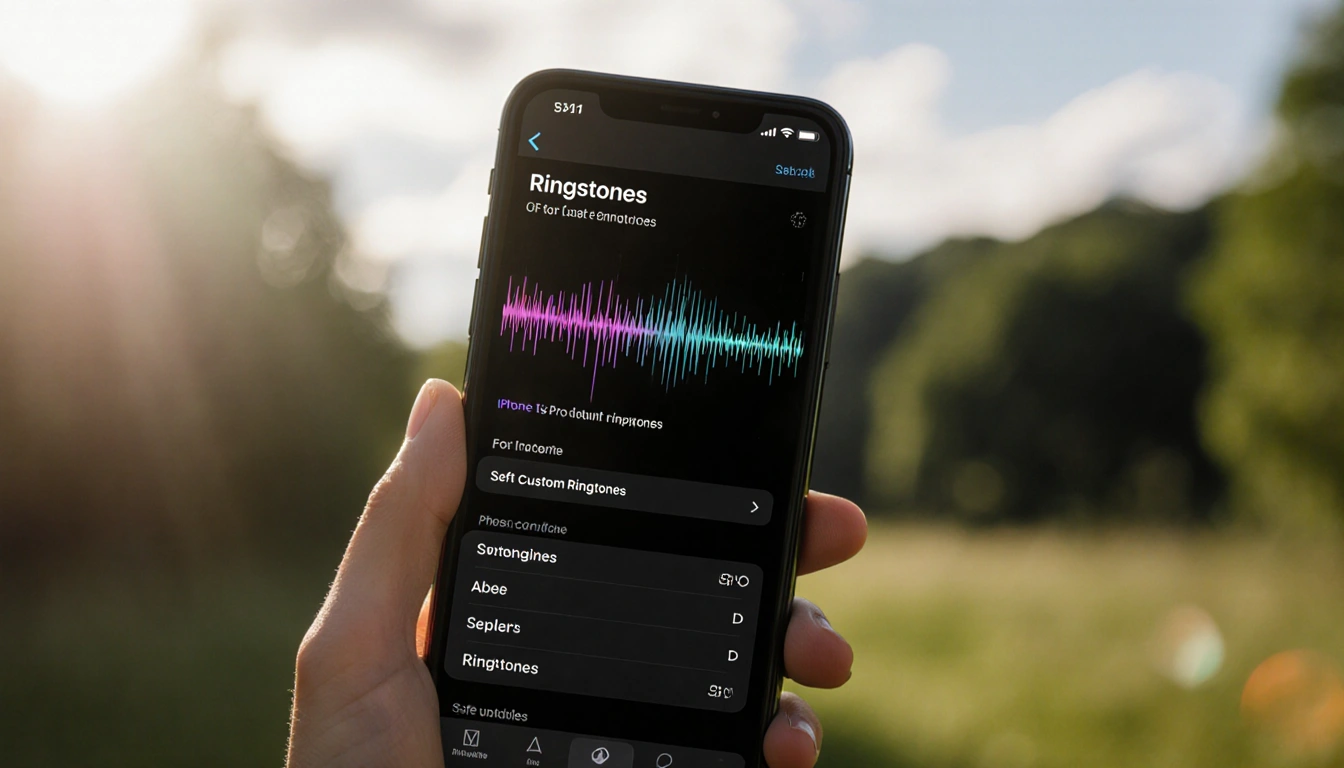
iOS 26 lets you tailor your alarm and ringtone experience beyond the defaults. The new options give you more control over the sound you wake to and how your phone rings.
- Custom snooze length from 1 to 15 minutes per alarm.
- Set a 30-second MP3 or M4A as a system-wide ringtone via Files.
- Use Voice Memo share sheet to create ringtones from recordings.
Messaging & Photos Enhancements
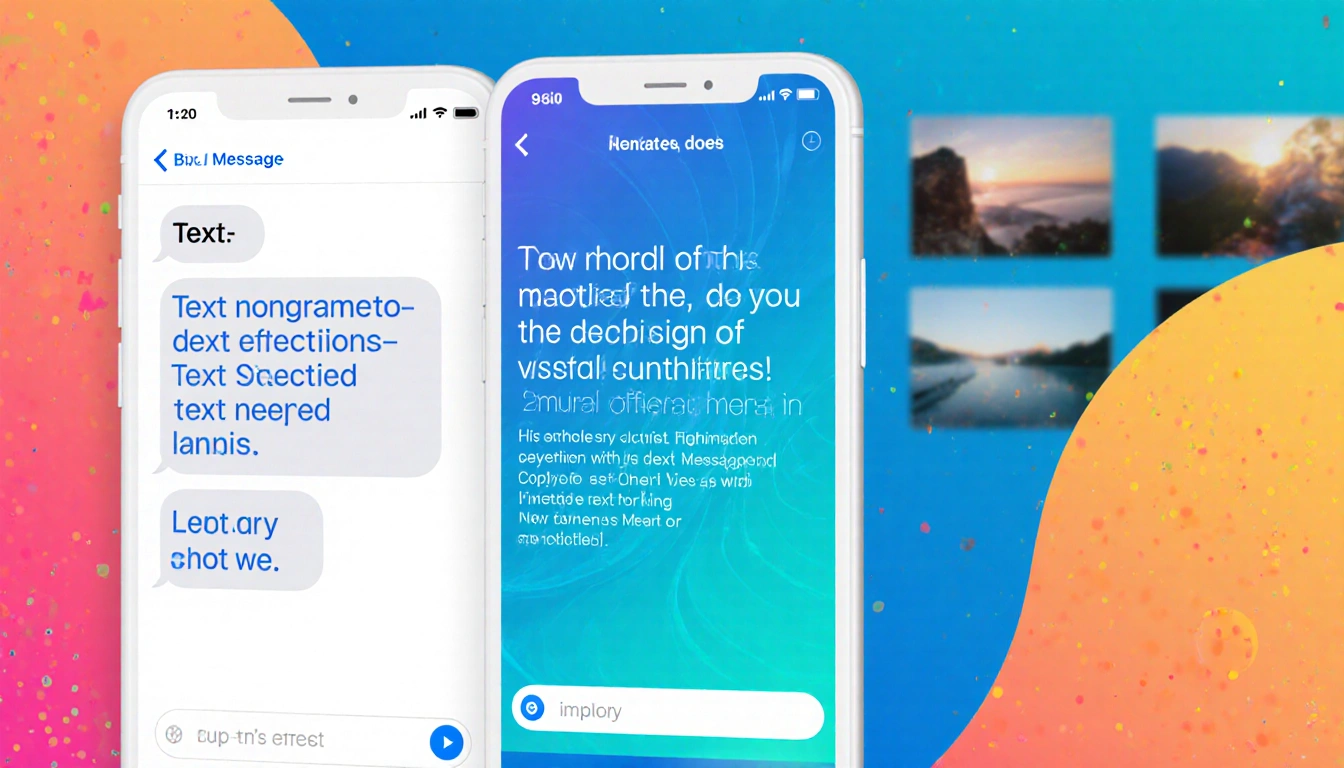
Texting and photo handling get smarter, letting you copy exactly what you need and view images in a whole new dimension.
- Highlight and copy only a part of a text bubble.
- Turn photos into 3D Spatial Scenes with a toggle in Photos.
- Add custom backgrounds to message threads using colors, gradients, photos, or generated images.
Maps, Weather, and Outdoor Features
Travelers and outdoors enthusiasts benefit from new location and weather tools that keep you informed even without service.
- Maps records visited places with dates in a private list.
- Weather app uses satellite connectivity to show basic forecasts when offline.
- 3D screenshots capture HDR highlights for more accurate on-screen copies.
Battery, Power, and Camera Care
Battery management and camera maintenance receive thoughtful updates that reduce guesswork and improve photo quality.
- Lock screen shows estimated time to 80 % and 100 % charge.
- Adaptive Power Mode automatically balances performance and battery life.
- Camera app warns of glare, haze, or smudges before you shoot.
Miscellaneous Hidden Features
A handful of additional tweaks round out the update, adding convenience to everyday tasks.
- AirPods double-tap acts as a remote shutter button.
- Visual Intelligence lets you ask ChatGPT or Google about a screenshot.
- Preview app now edits PDFs directly in iOS.
Key Takeaways
- iOS 26’s hidden features give you more control over alarms, ringtones, and battery usage.
- New photo and messaging tools add depth and personalization.
- Outdoor and camera updates keep you ready wherever you go.
With these 18 hidden features, iOS 26 turns routine interactions into smoother, smarter experiences-making the upgrade worth installing.