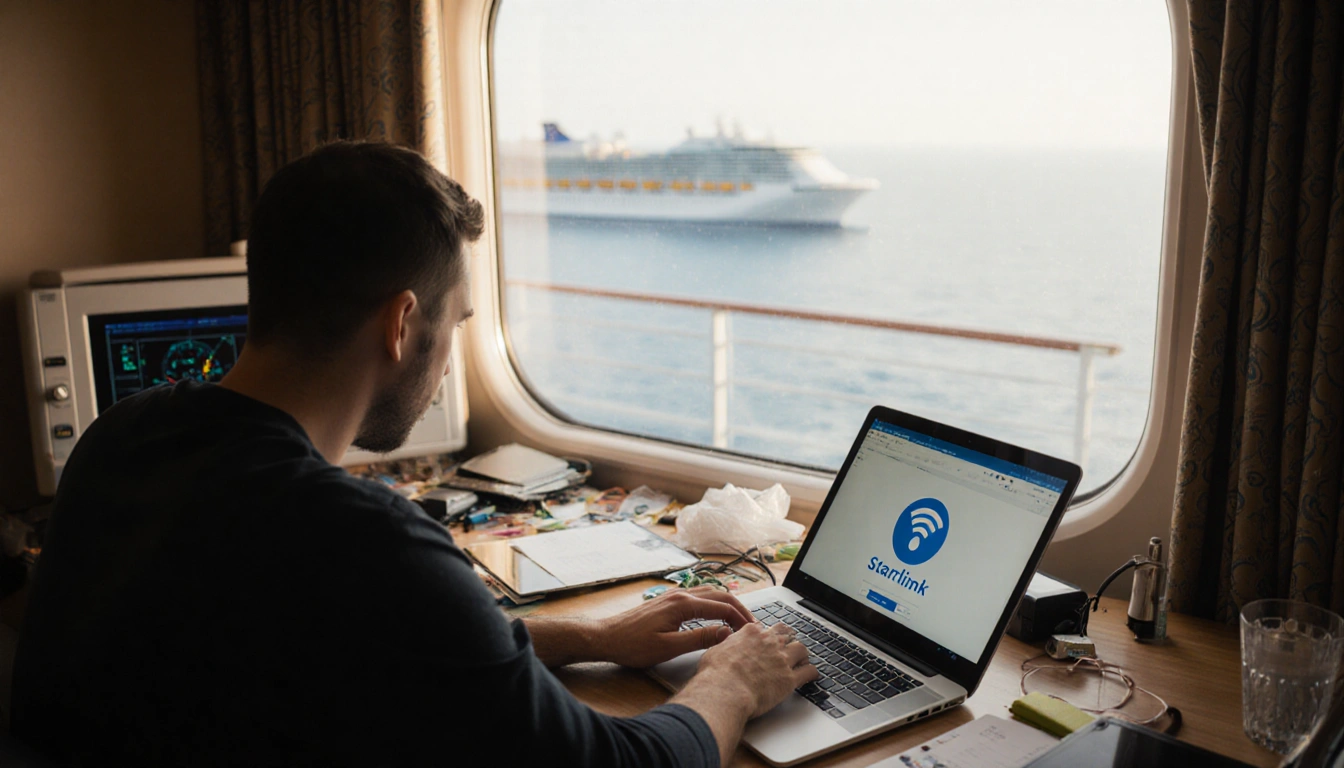

At a Glance
- Starlink-powered cruise Wi-Fi is faster but still limited.
- VPNs protect privacy and bypass geo-blocks, yet slow speeds.
- Some cruise apps break when a VPN is active.
- Why it matters: Passengers must balance privacy, speed, and app access while onboard.
Cruise ships now offer high-speed internet thanks to Starlink, but the shared network still exposes users to privacy risks and regional restrictions. A VPN can help shield data and unlock blocked content, yet it can also degrade performance and interfere with essential cruise-line apps. Knowing when and how to use a VPN is essential for a smooth sailing experience.
When a VPN Helps
A travel-VPN adds an extra layer of encryption, making your traffic unreadable to the cruise line’s network administrators and any eavesdroppers. It also lets you route your connection through a server in your home country, bypassing geo-blocks and censorship.

- Privacy – Encrypts data on a public network.
- Geo-access – Restores blocked banking apps or local news sites.
- Streaming – Allows you to watch Netflix or other services as if you were at home.
When a VPN Hinders
Even the fastest VPNs introduce overhead, and the limited satellite bandwidth means that adding encryption can noticeably slow down your connection. Some cruise lines, such as Carnival, explicitly state that VPN usage can impact performance and do not support it.
- Speed loss – Extra encryption and routing through a server consume bandwidth.
- App compatibility – Onboard booking, digital cruise cards, and shore-reservation apps may fail when traffic is tunneled.
- Support – Certain lines forbid VPNs, risking service interruption.
Finding the Sweet Spot
Split tunneling lets you send sensitive traffic through a VPN while allowing apps that need local network access to connect directly. Most premium VPNs offer this feature, though availability varies by device.
| Feature | Benefit | Drawback |
|---|---|---|
| Privacy | Data encrypted on shared Wi-Fi | Minor speed reduction |
| Speed | Direct route for non-VPN traffic | Slight latency for VPN apps |
| App access | Local services work with split tunneling | Requires manual setup |
- Test split tunneling before departure.
- Use obfuscated servers if a streaming service blocks VPN traffic.
- Keep antivirus and a password manager active for full protection.
Key Takeaways
- VPNs protect privacy and unlock geo-blocked content on cruise ships, but they can slow speeds.
- Split tunneling offers a balance, keeping essential apps functional while still encrypting sensitive traffic.
- Some cruise lines, like Carnival, do not support VPNs, so check the line’s policy before installing.
With the right settings, you can enjoy secure browsing, access your favorite shows, and keep your onboard apps running smoothly while sailing the high seas.