
At a Glance
- Smart home devices often use weak passwords
- Update passwords and enable 2FA for new gadgets
- Strengthen Wi-Fi and use a password manager
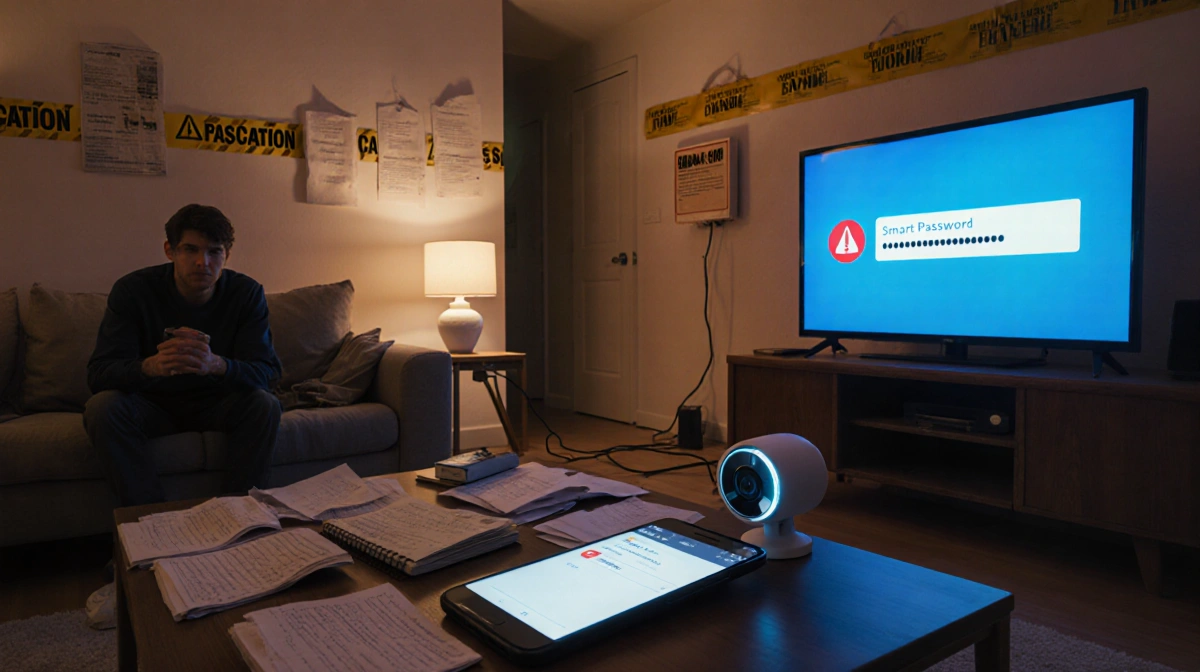
- Why it matters: A simple password can let attackers access cameras, thermostats, and other connected gear.
Smart homes are increasingly common, but many owners overlook the importance of strong passwords. A quick review of your device logins and Wi-Fi settings can protect your home from common cyber-threats.
Upgrade Lazy Passwords for New Devices
When setting up a new smart device, people often choose a simple password and forget to change it later. Check every app and account you use for smart home gear and replace any easy passwords. Enable two-factor authentication whenever the option is available.
Replace Old Passwords with Complex Versions
Simple passwords are vulnerable to guessing and brute-force attacks. Identify passwords you haven’t updated in years and replace them with strings that mix upper-case, lower-case, numbers, and symbols. Avoid common choices like “123456” or “password”.
Create a Robust Wi-Fi Password
Your Wi-Fi network is the main entry point for smart devices. Set a strong, unique Wi-Fi password and use WPA3 encryption if your router supports it. For guests, create a separate network with its own password.
Delete Repeated Passwords
Using the same password across multiple devices or codes makes every device a target. Audit your smart home logins, keypad codes, and safe combinations for duplicates and change each to a unique password.
Adopt a Password Manager
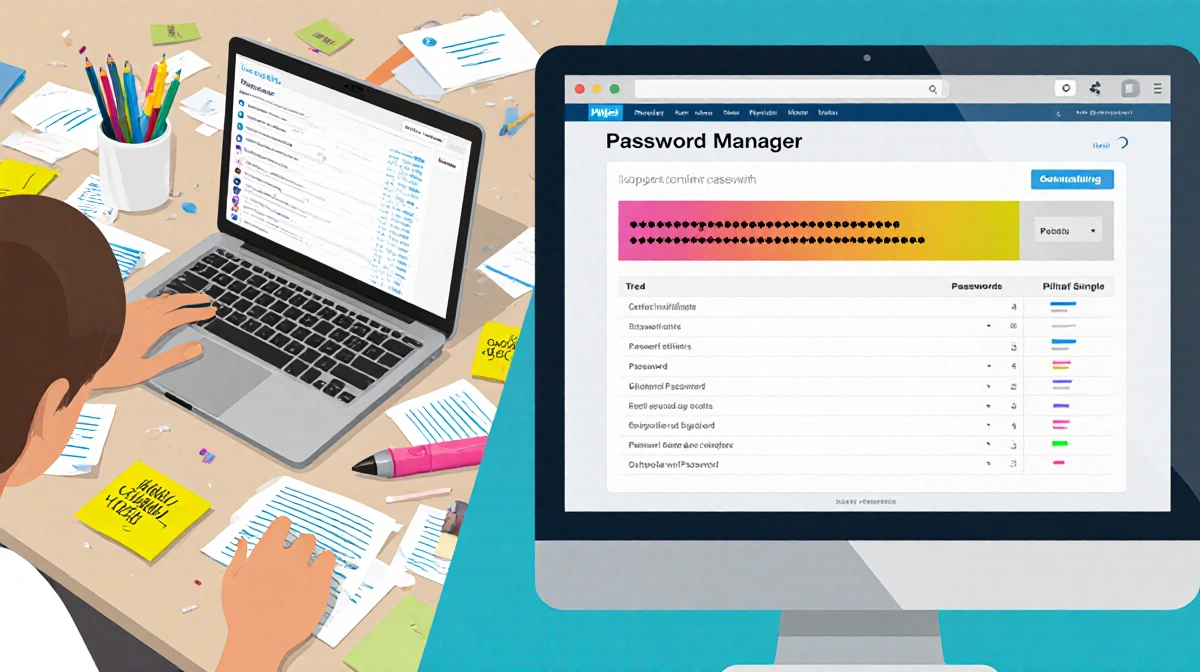
A password manager can generate, store, and update complex passwords automatically. Services like 1Password help you replace old passwords in seconds and flag any repeats or weak entries. Most managers offer free tiers or low-cost subscriptions.
Bonus Tip: Check All Devices for Updates
Firmware and app updates often include security patches. Review all smart home applications and devices for available updates and install them promptly. Some updates require manual approval, so keep an eye on notifications.
Key Takeaways
- New devices need strong passwords and 2FA.
- Secure Wi-Fi with WPA3 and a unique password.
- Use a password manager to keep all credentials unique and complex.
Taking these steps now will help keep your smart ecosystem safe from the most common cyber threats.