
At a Glance
- smart light bulbs let you control lamps with a voice or app, adding dimming and color without rewiring.
- The favorite is the GE Cync Dynamic Effects Smart Bulb at $36 for two.
- Apple HomeKit users get the Meross Smart Wi-Fi LED Bulb for $29 for two.
- A budget set is the TP-Link Tapo Smart Light Bulbs at $32 for four.
- Why it matters: These bulbs turn ordinary lamps into smart devices, simplifying lighting control and enhancing home ambiance.
Smart lighting has moved from novelty to necessity. In every home the writer has lived, installing smart bulbs has become routine, proving that the technology is not only functional but also convenient. The bulbs replace the need to hunt for switches, allowing users to ask a smart speaker to turn lights on or off.
What Makes Smart Light Bulbs Great
- Easy swap: Replace any standard bulb without changing wiring.
- No hub required: Most models connect directly via Wi-Fi or Zigbee, though some use Matter.
- Dimmable & color: Add dimming or full-color options without rewiring.
- Automation: Set schedules or routines to turn lights on or off automatically.
- Voice control: Work with Alexa, Google Assistant, or Apple HomeKit.
How Smart Light Bulbs Work
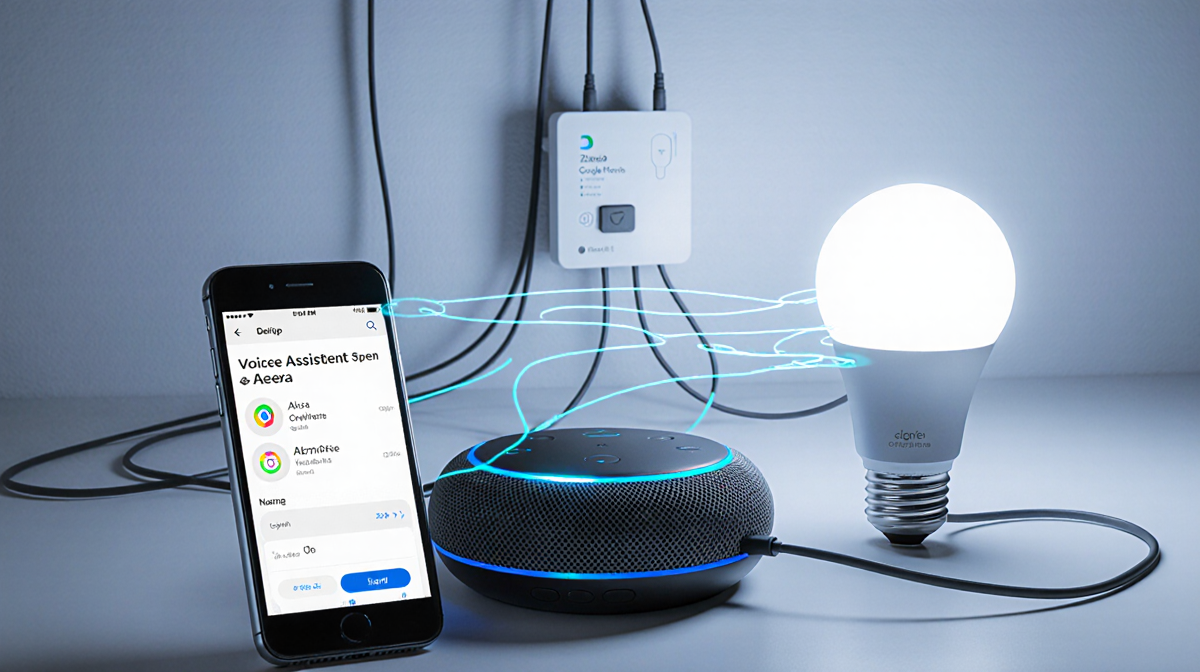
Smart bulbs connect to a home network through Wi-Fi, Zigbee, or Matter, often using Bluetooth for the initial setup. Once paired, they can be controlled through:
- The manufacturer’s app for detailed settings.
- Voice assistants for quick commands.
- Smart-home ecosystems like Alexa, Google Home, or Apple HomeKit.
Some bulbs, like Philips Hue, still require a dedicated hub, but many newer models do not. A Matter connection lets a voice assistant control the bulb directly, though the app still offers advanced features such as custom light shows or music-reactive modes.
My All-Around Favorite
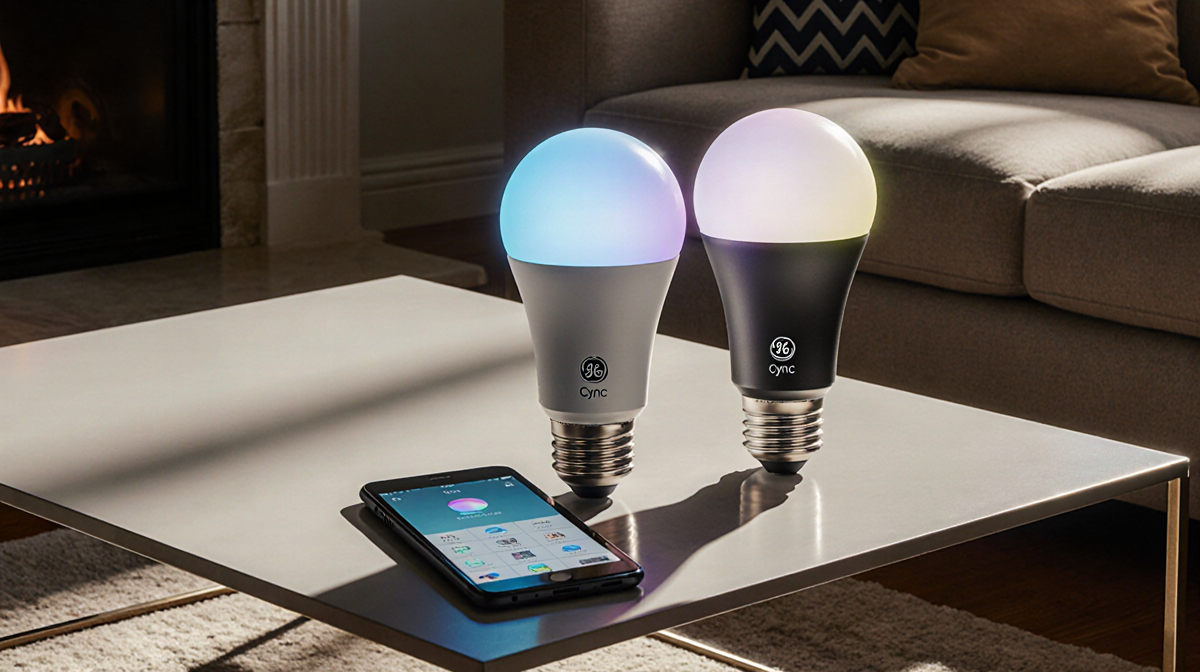
The GE Cync Dynamic Effects Smart Bulb remains the writer’s top choice after testing nine different bulbs. The Cync app is intuitive and connects to Amazon Alexa immediately after setup. Key features include:
- Classic white and color options.
- Scenes and schedules via the Routines button.
- Light Shows that display vibrant, moving colors-best with multiple bulbs.
- Music Shows that react to room sound, powered by a built-in microphone.
- A popular Candle scene for cozy ambiance.
Voice commands work instantly, and the bulb does not need a hub.
Best for Apple Users
For those using Apple HomeKit, the Meross Smart Wi-Fi LED Bulb (MSL120) is the standout. Setup is quick:
- Scan the bulb’s barcode.
- Wait a minute or two.
- Done-no separate hub needed.
The Meross app offers full control, but HomeKit already displays a range of whites and color options. The bulb can also be added to Alexa, Google, and SmartThings if a user later switches ecosystems.
An Affordable Set
The TP-Link Tapo Smart Light Bulbs (Tapo L530E) provide a budget-friendly option at $32 for four. They are easy to install, support Wi-Fi connectivity, and work with major smart-assistant platforms.
Key Takeaways
- Smart bulbs simplify lighting control and add color or dimming without rewiring.
- Most models work without a hub; Matter connectivity further eases integration.
- The GE Cync bulb offers the richest feature set, including music-reactive shows.
- Apple HomeKit users benefit from the Meross bulb’s quick setup.
- TP-Link Tapo offers a cost-effective alternative for those on a budget.
Smart lighting is a practical upgrade that turns any lamp into a versatile, voice-controlled device, enhancing convenience and ambiance in everyday life.