
> At a Glance
> – Apple reintroduced the lock-screen volume slider with iOS 18.2.
> – The feature lets you fine-tune music or podcast levels without unlocking.
> – It was removed in iOS 16 and restored in 2024.
> – Why it matters: Gives users precise volume control on the go.
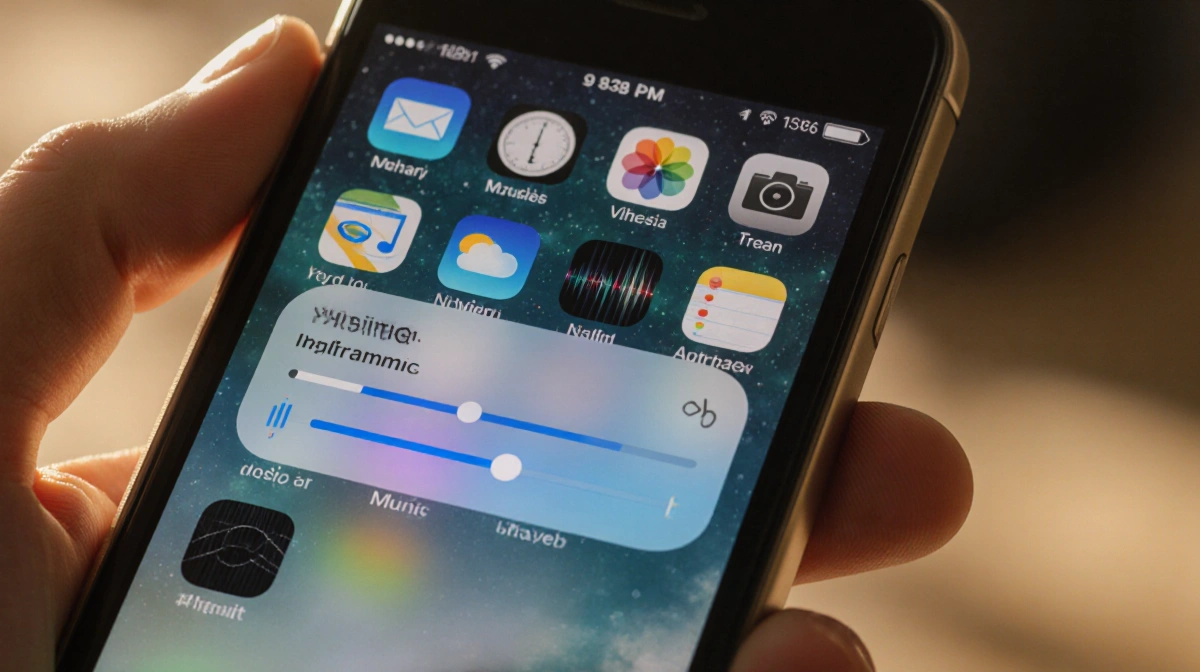
The new iOS 18.2 update brings back the lock-screen volume slider, a feature many missed after its removal in iOS 16. This lets users adjust audio levels while the phone remains locked, improving convenience for music and podcast listeners.
Why the Lock-Screen Slider Matters
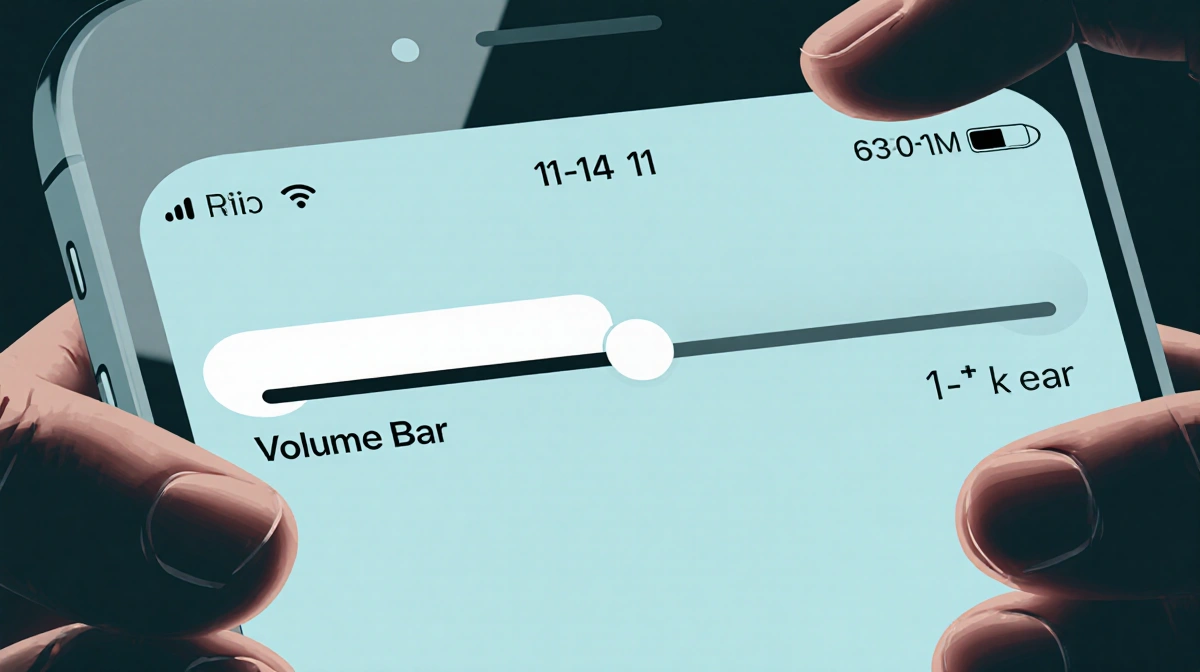
The side volume buttons only change the volume in fixed increments, which can leave you a bit too loud or too quiet. A slider on the lock screen offers granular control, allowing you to set the exact level you want.
How to Re-enable the Volume Bar
To bring the slider back, follow these simple steps:
- Open Settings.
- Tap Accessibility.
- Select Audio & Visual under Hearing.
- Toggle the switch next to Always Show Volume Control.
After enabling it, the slider appears on the lock screen, letting you adjust volume while the device stays locked.
Key Takeaways
- iOS 18.2 restores the lock-screen volume slider, absent since iOS 16.
- The slider provides precise volume control without unlocking the phone.
- Enabling it requires a few taps in Settings under Accessibility → Audio & Visual.
Enjoy a smoother listening experience on the go without unlocking your iPhone.