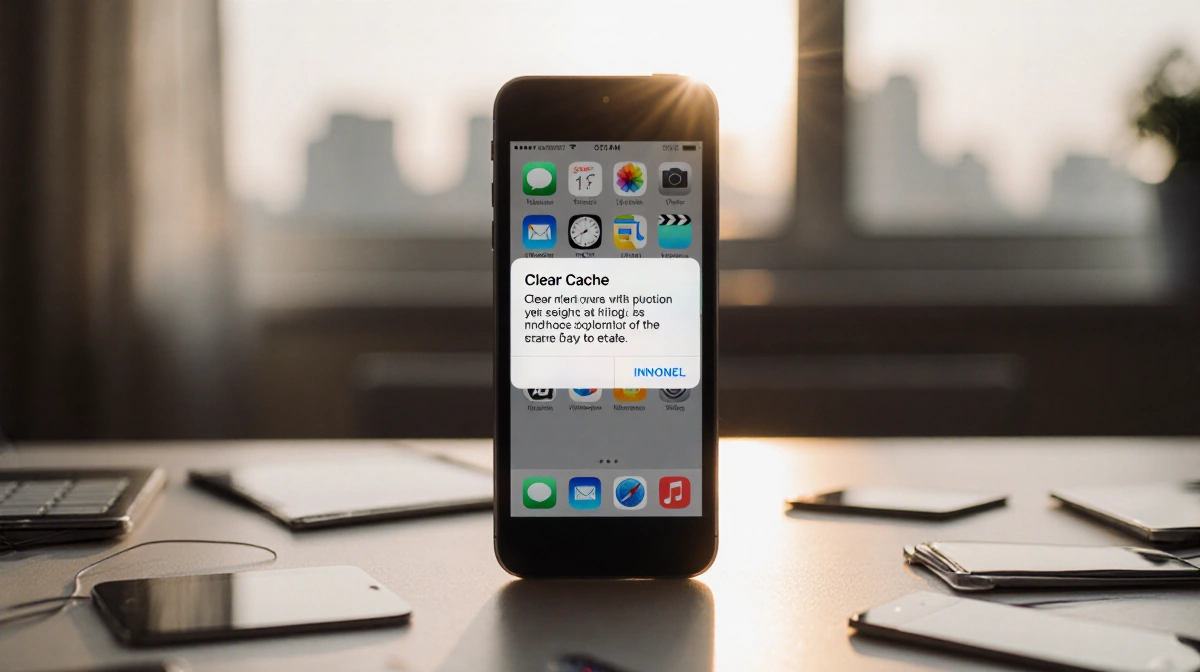

At a Glance
- Clearing your iPhone cache can free storage and improve browsing speed.
- The process varies by browser: Safari, Chrome, Firefox.
- Clearing cookies logs you out of sites.
- Why it matters: Regular cache cleaning keeps your phone running smoothly.
Clear your iPhone cache for faster browsing and more space.
Safari
Safari is the default browser on iPhones. To clear its cache, open Settings, go to Apps > Safari, then tap History and Website Data and select Clear History and Website Data. You can choose a time range before confirming.
- Open Settings
- Go to Apps > Safari
- Tap History and Website Data
- Choose Clear History and Website Data
- Confirm and pick time range
Chrome
Chrome users can quickly erase data via the app’s settings. Open Chrome, tap the three dots, go to Settings > Privacy and security > Delete browsing data. Check Cookies and Site Data, Cached Images and Files, then hit Delete data.
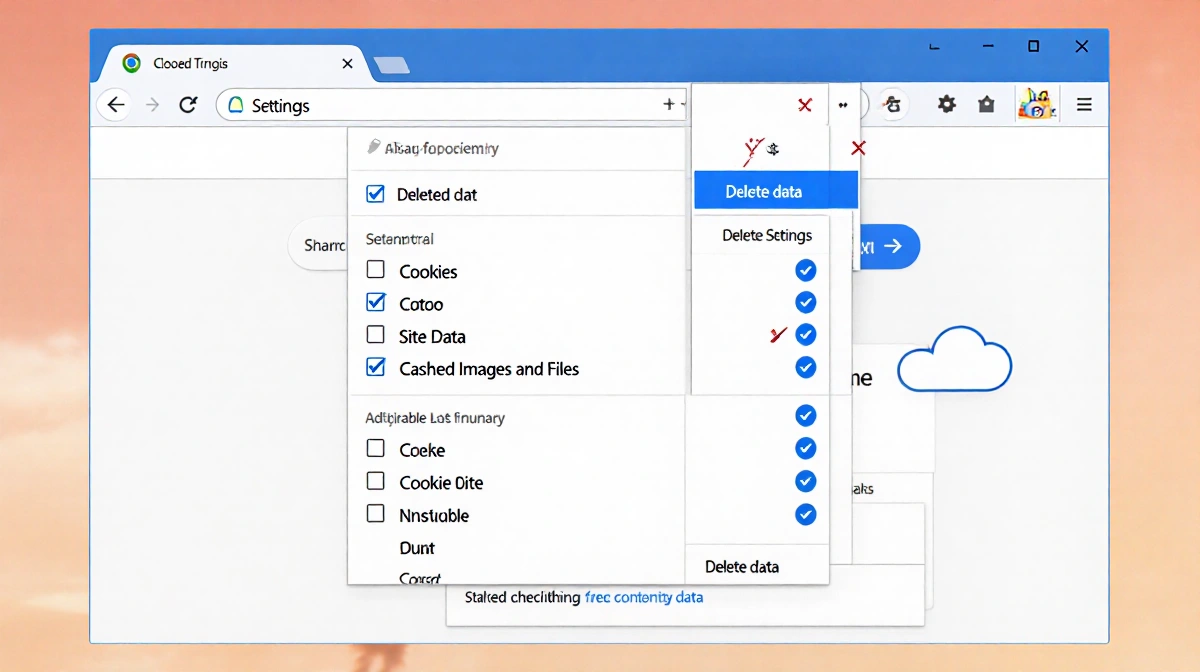
- Open Chrome app
- Tap three dots
- Go to Settings
- Privacy and security
- Delete browsing data
- Check Cookies, Site Data, Cached Images and Files
- Delete data
Firefox
Firefox offers a simple cleanup in its menu. Tap the hamburger icon, select Settings, then Data Management. From Web Site Data, choose Clear All Web Site Data or pick specific items to remove.
- Open Firefox
- Tap hamburger icon
- Go to Settings
- Data Management
- Web Site Data
- Clear All Web Site Data or selective
How often to clear
Most people should clear cache every month or two, especially if they visit many sites. More frequent clearing keeps performance smooth.
- Once every month or two
- More often if you visit many sites
- Helps prevent sluggishness
Key Takeaways
- Clearing cache frees space and speeds up browsing.
- Each browser has a slightly different process.
- Regular cleaning improves overall device performance.
Regularly resetting your browser data keeps your iPhone fast and responsive.