
At a Glance
- Most iPhones can locate themselves even if turned off
- Find My Network uses nearby Apple devices to find offline phones
- Enable Find My, Find My Network, and Send Last Location for the best chance of recovery
- Why it matters: Even a dead battery won’t stop Apple’s tracking tools from finding your lost iPhone
The New Year has begun, but losing an iPhone during the holiday rush can feel like a nightmare. Apple’s built-in Find My feature, together with the Find My Network, gives you a powerful way to locate a device that’s off, offline, or even out of battery.
Turn on Find My and Find My Network
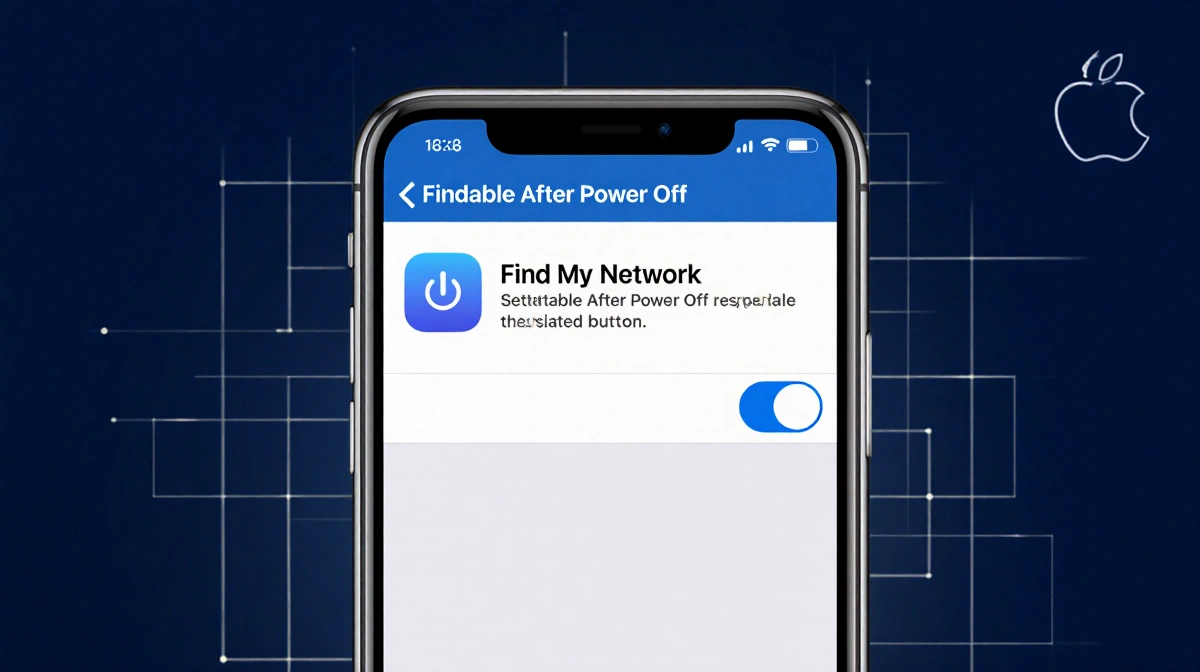
To make your iPhone discoverable after power off, open Settings → tap your name → Find My → Find My iPhone. Make sure the toggle is on, then enable Find My Network and Send Last Location. You can confirm discoverability by pressing and holding the power button in Control Center and looking for “iPhone Findable After Power Off.”
- Find My iPhone toggle
- Find My Network toggle
- Send Last Location toggle
Locating a Lost iPhone with Another Apple Device
If you have an Apple Watch, iPad, or MacBook, launch the Find My app and select your iPhone from the Devices list. From there you can:
| Action | What it does |
|---|---|
| Play Sound | Makes the iPhone ring even if silent |
| Directions | Gives you a route to the last known location |
| Mark as Lost | Locks the phone, suspends Apple Pay, and shows a custom message |
If you’re sure the phone is stolen, tap Activate under Mark as Lost. You can also use Send Last Location to see where it was last seen.
For those without another Apple device, sign in to icloud.com/find in a web browser and use the same options. Disabling Control Center on the lock screen can prevent a thief from turning off data or enabling Airplane mode.
Key Takeaways
- Turn on Find My, Find My Network, and Send Last Location before the phone is lost.
- Use another Apple device or the web to locate, play a sound, or lock the iPhone.
- The Find My Network lets you find a phone even when it’s powered off.
Even if your iPhone’s battery dies, Apple’s Find My Network can still help you recover it.