
At a Glance
- Phone signal drops are often caused by the device, not the carrier.
- Quick fixes include toggling Airplane mode, restarting, and re-inserting the SIM card.
- If issues persist, a signal booster can restore coverage.
- Why it matters: A weak signal can freeze maps, cut calls, and stall data on the road.
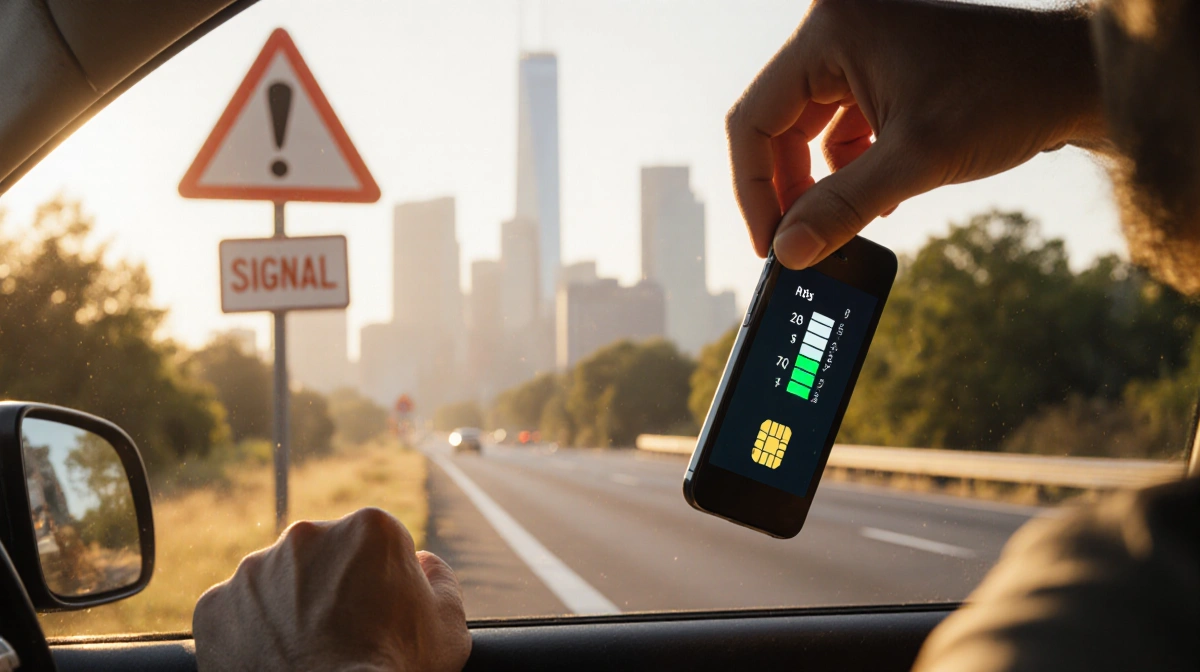
Stuck in a dead zone while driving? Most signal loss comes from the phone, not the carrier. This guide shows how to revive coverage in under a minute with simple steps, and when to consider a booster.
Quick Fixes for Instant Signal
The fastest way to restore service is to force your phone to search for a better tower. Turning Airplane mode on and off resets Wi-Fi, Bluetooth, and cellular modems, prompting a fresh connection. Give the device 15 seconds to disconnect before re-enabling the mode.
- Toggle Airplane mode
- Restart the phone
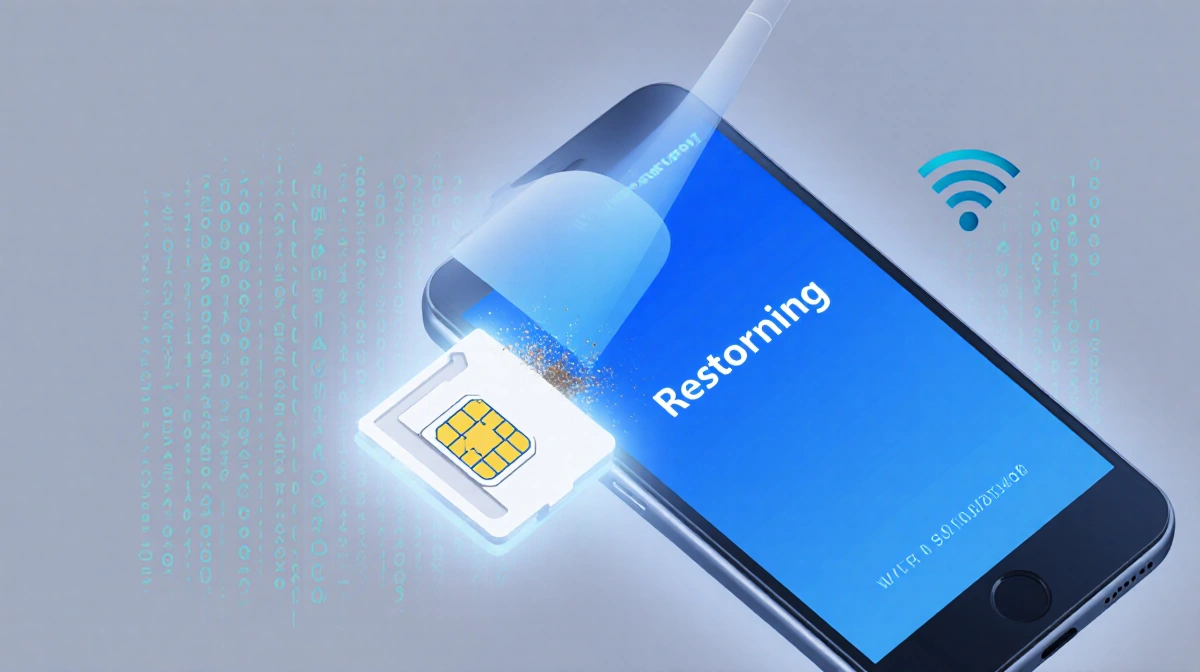
- Remove and re-insert the SIM card
Advanced Troubleshooting
If Airplane mode fails, a full restart can clear lingering software glitches. Android users hold the power button (or power + volume-down) until the restart menu appears; iPhones use the sleep/wake button combo to shut down and reboot. After restarting, check the SIM card for dirt or damage, update carrier settings, and finally reset network settings if needed.
| Step | Action | Result |
|---|---|---|
| 1 | Toggle Airplane mode | Fresh tower search |
| 2 | Restart phone | Clears software glitches |
| 3 | Re-insert SIM | Ensures proper connection |
| 4 | Update carrier settings | Improves network compatibility |
| 5 | Reset network settings | Restores default network prefs |
If all software fixes fail, the problem may lie with the tower or the SIM card itself. Contact your carrier to verify coverage and possible outages, and if the signal remains weak, a signal booster can amplify the existing signal. Boosters range from $349 for single-room coverage to $999 for whole-home coverage.
Key Takeaways
- Airplane mode toggling is the quickest fix for most signal drops.
- Restarting, checking the SIM, and updating carrier settings often resolve deeper issues.
- When carrier outages or hardware faults persist, a signal booster offers a reliable solution.
A strong signal keeps navigation smooth, calls clear, and data flowing-no more freezing maps or lost connections on the road.