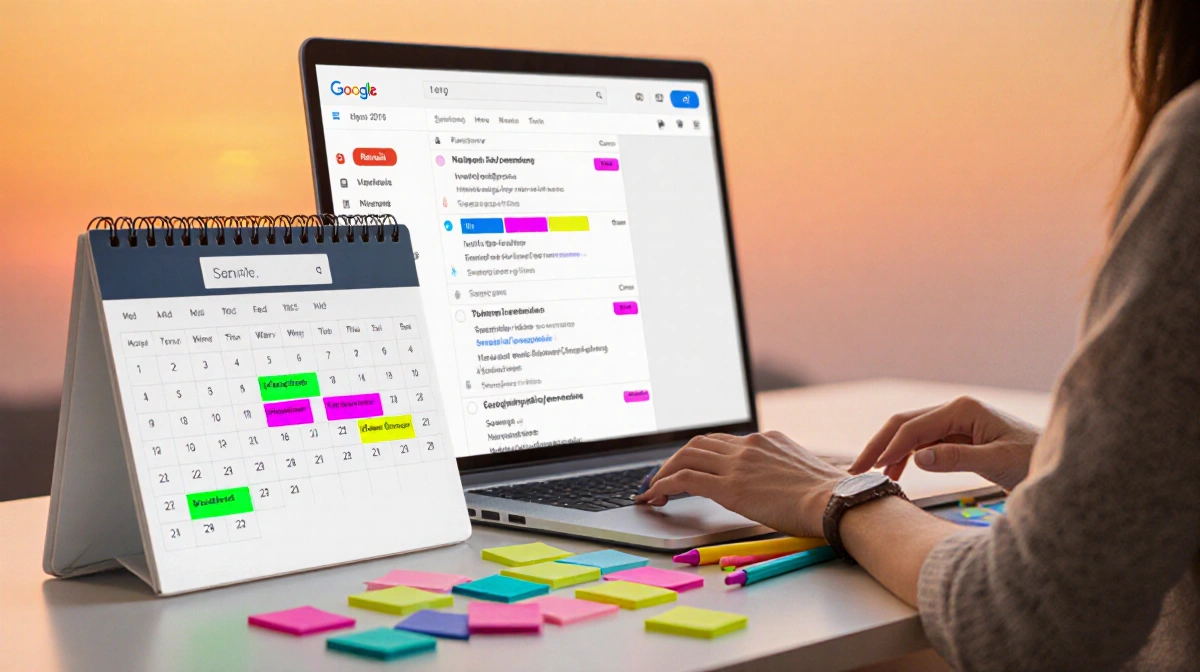

Google is testing a new AI Inbox tab that scans every Gmail message and auto-generates personalized to-do lists and topic summaries.
> At a Glance
> – Google’s beta AI Inbox tab reads all Gmail messages and suggests tasks.
> – Free users now get Help Me Write and thread summaries once locked behind paywall.
> – Ultra/Pro subscribers gain AI proofreading and whole-inbox topic search.
> – Why it matters: Google wants AI to manage your inbox, but accuracy disclaimers remain.
Google’s latest Gmail upgrade promises to turn your cluttered inbox into an organized task manager. The company unveiled the AI Inbox tab on Thursday, currently in limited beta, that automatically surfaces action items like rescheduling a dentist visit, replying to a coach’s request, or paying upcoming fees.
How the AI Inbox Works
The feature pulls context from every message and lists priority tasks at the top. Below those action items, it surfaces key topics worth browsing. Each suggestion links back to the original email so users can verify accuracy.

Google stresses privacy, saying inbox data won’t feed its core AI models. Blake Barnes, project lead, says the company “built a secure privacy architecture, specifically for this moment.” Users can disable the tools at any time.
Free vs. Paid Perks
Google is also democratizing several Gemini features:
- Help Me Write – composes emails from prompts
- AI Overviews for threads – TL;DR summaries atop long conversations
Subscribers to Ultra and Pro plans ($20/month and up) receive:
- AI proofreading that rewrites for polished grammar and tone
- AI Overviews that search the entire inbox and compile multi-email summaries on any topic
Accuracy Concerns Persist
Generative AI in email still carries reliability risks. A 2023 test of Google’s early Bard extension produced numerous incorrect summaries. Today’s Gmail interface continues to display a warning that “Gemini can make mistakes” when answering inbox queries.
| Feature | Free Users | Ultra/Pro Users |
|---|---|---|
| Help Me Write | ✔️ | ✔️ |
| Thread Summaries | ✔️ | ✔️ |
| AI Inbox Tab | Beta | Beta |
| Proofreading | ❌ | ✔️ |
| Inbox-wide Search Summaries | ❌ | ✔️ |
Key Takeaways
- Google’s AI Inbox beta aims to auto-manage tasks across all Gmail messages.
- Free tier expands with formerly paid features like Help Me Write.
- Premium plans add deeper proofreading and whole-inbox topic search.
- Accuracy warnings remain, so double-checking AI suggestions is essential.
Google’s bet is that smarter AI can tame overflowing inboxes, but users will still need to verify before they reschedule those dentist appointments.