
At a Glance
- Consoles lack native VPN apps, but VPNs can still protect your gaming.
- VPNs shield against DDoS attacks, unlock regional content, and can lower ping.
- Options include pre-configured VPN routers, DIY router setup, or Smart DNS services.
- Why it matters: Protects your console from attacks, expands content access, and can improve online play.
Even though your PS5 or Xbox Series X/S don’t support VPN apps directly, you can still route console traffic through a VPN. This protects against DDoS, lets you access content that is locked to specific regions, and can reduce latency.
Why a VPN Matters for Console Gamers
Competitive gamers and streamers face a higher risk of DDoS attacks, which flood a device with fake traffic. A VPN masks your public IP, making it harder for attackers to target you. It also lets you access content that is locked to specific regions.
- Privacy protection
- Access to region-locked content
- Potentially lower ping
- Bypass ISP throttling
Getting VPN Protection on Your Console
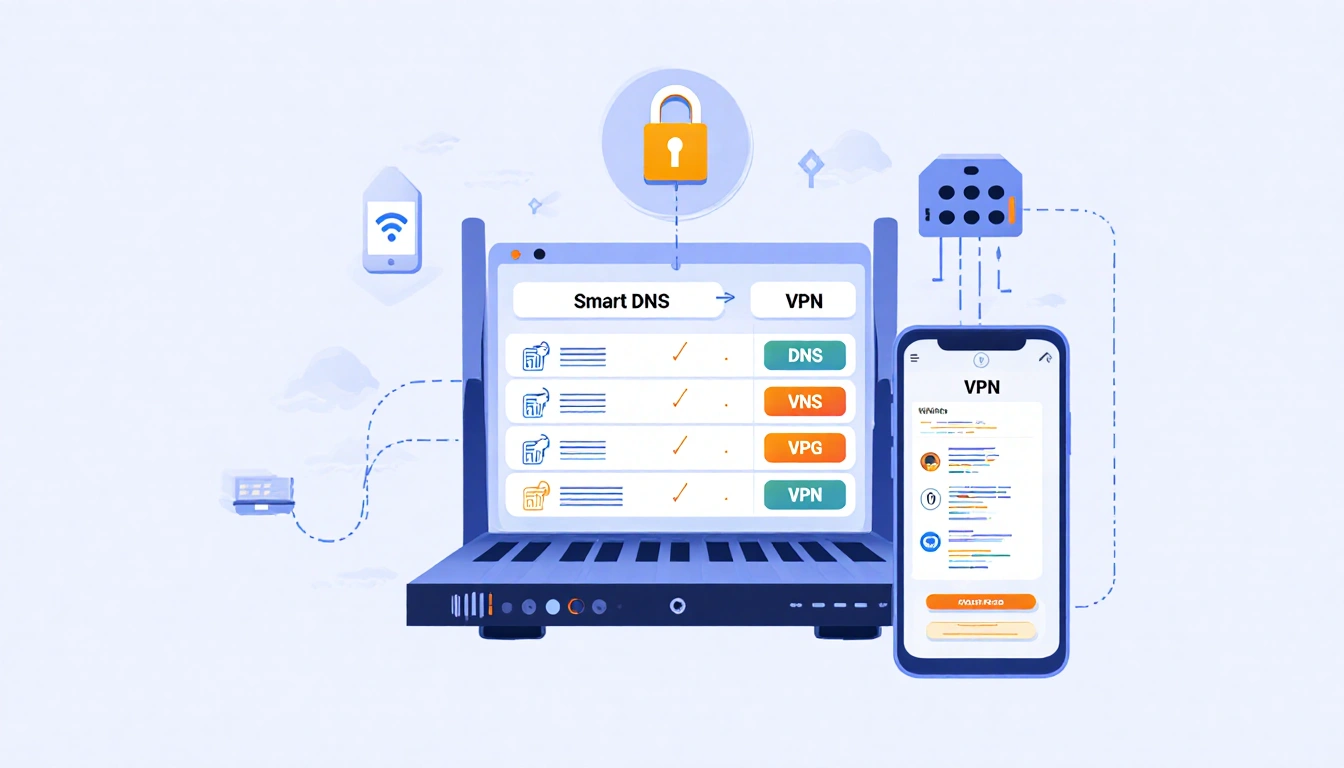
The simplest route is a router that comes pre-configured with VPN support. If you already own a compatible router, you can set up the VPN yourself by following your provider’s guide. Another option is a Smart DNS, which only redirects DNS requests.
- Buy a VPN router (ExpressVPN Aircove, FlashRouters)
- DIY router setup (check for OpenVPN/WireGuard)
- Use Smart DNS
| Router | Price | Trial |
|---|---|---|
| ExpressVPN Aircove Go | $169 | 30-day free |
| ExpressVPN Aircove Home | $189 | 30-day free |
| FlashRouters (Linksys/Netgear) | Varies | None (support optional) |
Each option has its own trade-offs: pre-configured routers are plug-and-play but costly; DIY setups give more flexibility but require technical skill; Smart DNS is easy but offers limited privacy.
Smart DNS vs VPN
Smart DNS only changes DNS requests, so it’s fast and works on any device that allows DNS changes. It’s ideal for streaming foreign libraries but does not encrypt traffic or hide your IP. For true privacy and protection, a VPN is necessary.
- Fast with minimal overhead
- No encryption, limited privacy
- Can be blocked by streaming services
Key Takeaways
- VPNs protect consoles from DDoS and unlock region-locked games.
- Pre-configured routers like ExpressVPN Aircove offer plug-and-play convenience.
- DIY router setups and Smart DNS provide flexibility but need more setup.
With the right VPN solution, your console can enjoy safer, faster, and more flexible online gaming and streaming experiences.