
At a Glance
- Password managers secure smart devices, from Wi-Fi to voice assistants.
- Free and paid options like 1Password and ExpressVPN’s Keys provide protection.
- Paid plans add emergency access, multiple identities, and secure sharing.
- Why it matters: A single strong master password can shield all your home tech from hacking.
A single strong master password can protect every smart device in a home, from Wi-Fi to voice assistants.
Why Password Managers Matter for Home Security
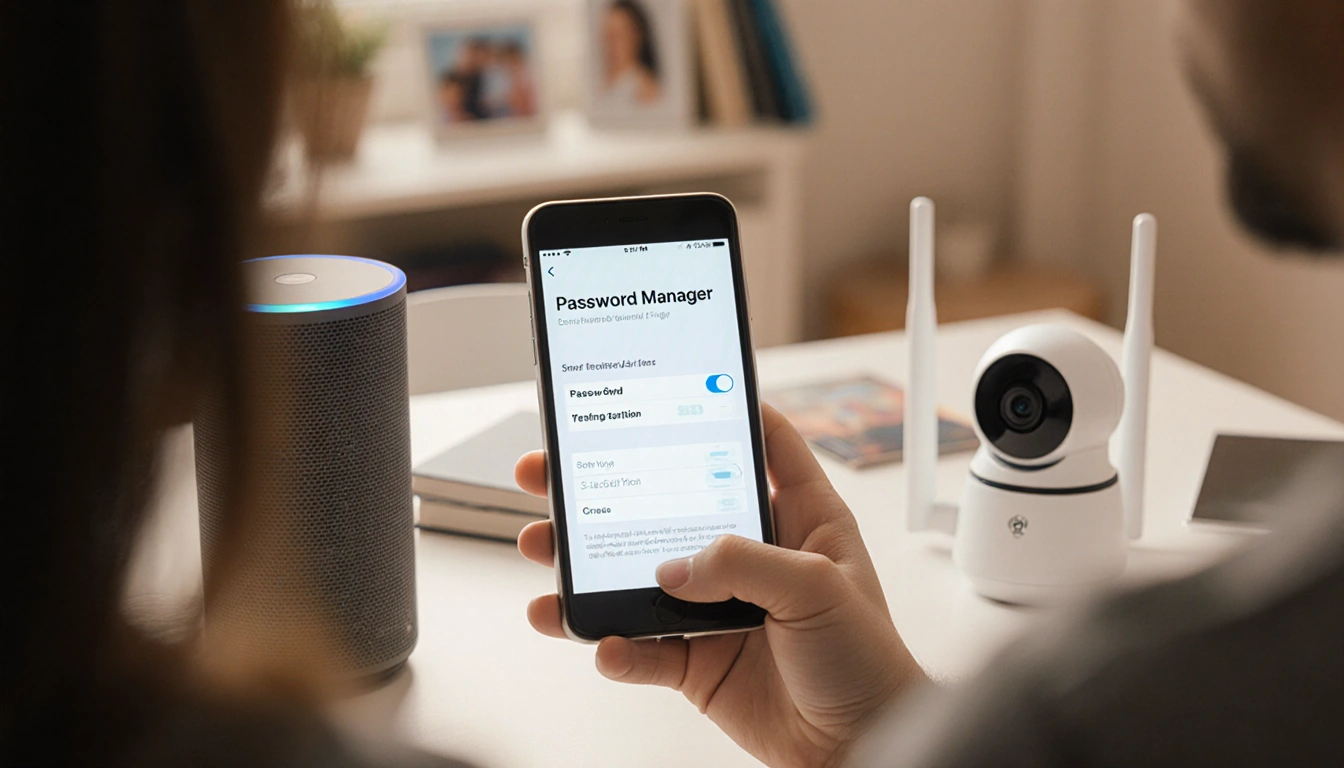
Password managers help you keep track of the many passwords you use for smart home devices. They store Wi-Fi passwords, smart lock credentials, voice-assistant logins, and app-specific passwords in one encrypted vault.
- Wi-Fi password
- Smart lock password
- Voice-assistant login
- System admin password
- App-specific password
How They Work
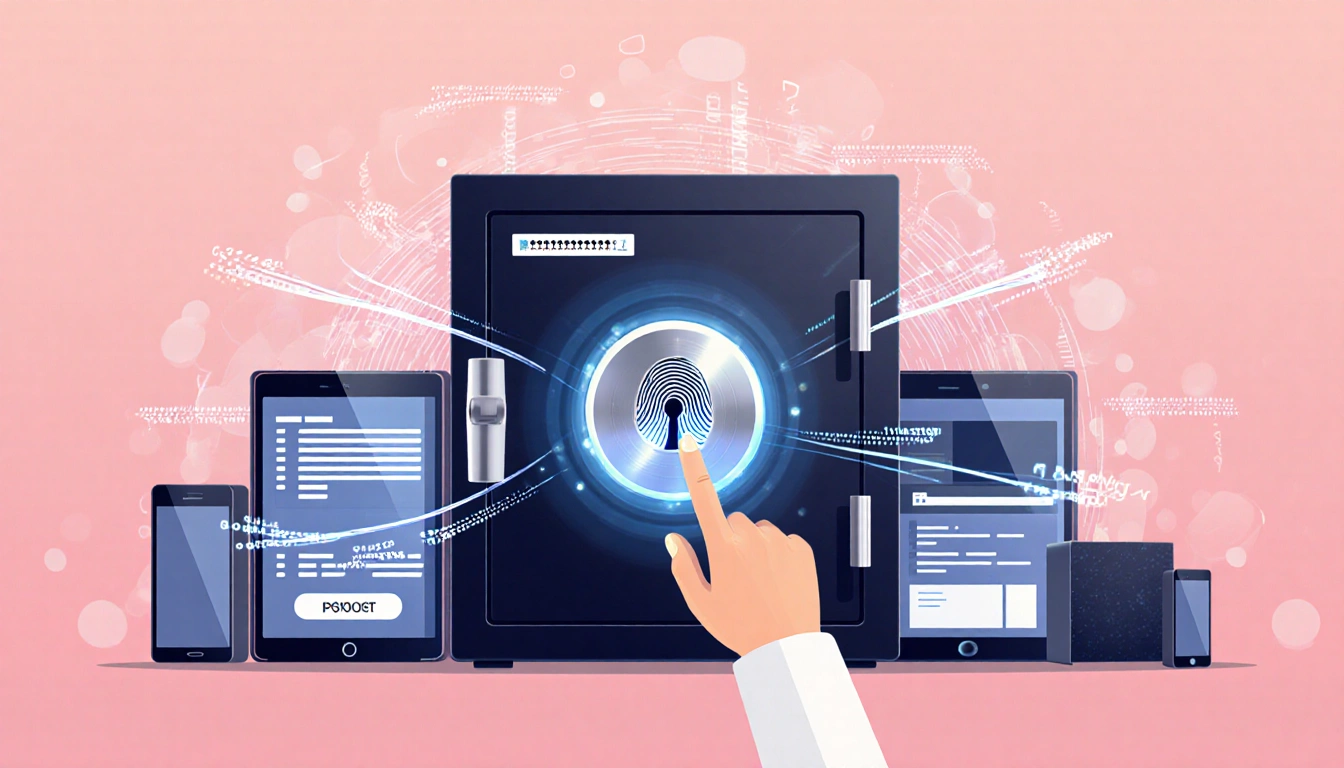
A password manager creates and saves all login information. A master key unlocks the vault, and many apps allow biometric unlocks such as fingerprint or facial scan. Extensions can auto-fill passwords in browsers, and the data syncs across all devices.
- Master key or biometric unlock
- Browser extension for autofill
- Sync across devices
- Strong password generation
- Weak-password alerts
Free vs Paid Options
Free managers let you store a limited number of passwords and lack some security features. Paid plans add emergency access, multiple identities, and secure sharing.
| Feature | Free | Paid |
|---|---|---|
| Master key | ✔ | ✔ |
| Biometric unlock | ✖ | ✔ |
| Emergency access | ✖ | ✔ |
| Secure sharing | ✖ | ✔ |
| Password generation | ✔ | ✔ |
ExpressVPN’s Keys bundles VPN and password management. 1Password costs a couple bucks per month. LastPass is no longer recommended.
Switching or Deleting a Password Manager
If you switch managers, export your passwords as a CSV file or use a secure transfer option. After exporting, delete the account in the app to remove all data from the company’s servers.
Key Takeaways
- A password manager keeps every smart device password in one secure place.
- Paid plans offer features like emergency access and secure sharing.
- Exporting or deleting is straightforward and protects your data.
A password manager is a small investment that can dramatically strengthen your home’s digital defenses.