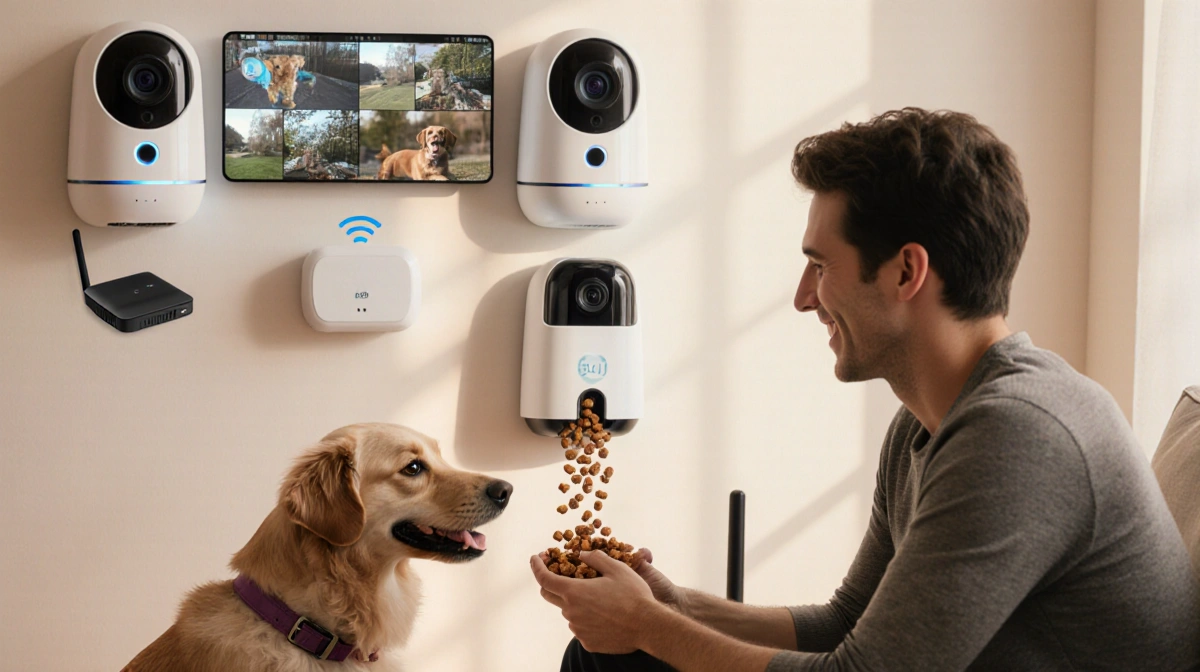

At a Glance
- Every tested pet camera needs cloud access, paid plans, or both
- Weak Wi-Fi disconnects cameras, forcing manual unplug-replug
- Treat dispensers scare pets with loud alerts
- Why it matters: Smart cameras create entry points for hackers while promising peace of mind
Pet cameras promise treats, playtime, and 24-7 pet surveillance, but Cameron R. Hayes‘s months-long test reveals hardware glitches, pricey subscriptions, and privacy gaps that owners rarely see coming.
The Subscription Trap
Every camera in the roundup locks core features behind a paywall.
- Furbo 360 Dog Camera requires the Furbo Nanny plan for alerts or video playback
- Petcube Cam 360 hides pan-up-and-down and cloud storage behind its Care plan
- Petlibro Scout Smart Camera blocks AI pet recognition without a subscription
Buyers pay the hardware price, then keep paying to use the device.
Wi-Fi Weak Spots
Cameras drop off networks with little warning.
Petlibro Scout disconnected during testing and would not reconnect until Cameron R. Hayes physically unplugged and replugged the unit. The camera supports both 2.4 GHz and 5 GHz bands, yet still lost its link.
Treat Terror
Treat dispensers meant to delight pets instead startle them.
Closer Pets TreatView releases a heaping handful of kibble even on the lowest setting, accompanied by a jarring alert sound that scared test cats. The machine offers no volume control.
Furbo 360’s treat motor also produces loud clicks that can alarm noise-sensitive animals.
AI That Needs Overtime
Petlibro’s built-in AI promises to tell cats apart and sort clips by behavior, yet the system needs constant human feedback to improve. After weeks of tagging, the camera still mislabeled footage and failed to auto-sort by activity.
Cloud footage trains the algorithm, raising privacy questions about how those clips are stored and used.
Camera Comparison
| Model | Key Strength | Key Weakness | Subscription |
|---|---|---|---|
| Furbo Mini 360° | Compact, 360° pan, treat toss | Loud motor, paid alerts | Yes |
| Petcube Cam 360 | Up-down pan, low cost | Best features locked | Yes |
| Imilab C30 Dual | Dual lens, local storage | Choppy frame rate | Optional |
| Tkenpro 2K | 355° pan, treat vault | No tilt up-down | Optional |
| SiiPet PawTrack | No sub needed, Pet ID | Chaotic auto-track | Optional |
| Enabot EBO Air 2 | Moves room to room | Limited to ground view | No |
| Petcube Play 2 | Built-in laser toy | Laser timing erratic | Yes |
| Petcube Bites 2 Lite | Large kibble tank | Fixed camera angle | Yes |
| Furbo 360 | Full rotation + treats | Most extras paid | Yes |
| Petlibro Scout | AI pet recognition | Pricey, flaky Wi-Fi | Yes |
The Security Gap
All cameras connect to home Wi-Fi, creating potential hack points. News Of Fort Worth testers recommend strong passwords, two-factor authentication, and powering units off when owners are home.
Security cameras can double as pet monitors, yet lack treat or play functions. The trade-off is fewer features for lower risk.
Real-World Reliability
Cameron R. Hayes relied on the cameras during multiple out-of-town trips to watch two cats. Night vision, motion alerts, and two-way talk worked, but each model required tweaking dispenser volume, alert zones, or Wi-Fi placement to stay online.
Budget Standouts

- Petcube Cam at $32 delivers 1080p HD, night vision, and two-way audio with no frills
- Catit Pixi Smart Mouse Camera at $75 adds cute design but needs microSD for playback
- Petcube Bites 2 Lite offers the largest kibble tank under $100
Key Takeaways
- Expect to pay monthly fees for alerts, storage, or AI
- Treat sounds can frighten pets; look for volume controls
- Place cameras close to routers or add extenders to prevent dropouts
- Turn cameras off when home to reduce hacking risk
- Security cams work as basic pet monitors without subscriptions