
At a Glance
- Phones can be dirtier than a public toilet seat
- FCC recommends daily cleaning to avoid damage
- 70% isopropyl alcohol wipes or a soft cloth are safest
- Why it matters: A clean phone protects you and your contacts from germs
Every day we carry our phones everywhere, but most of us never think about how dirty they get. With studies showing phones can hold more germs than a public toilet seat, it’s time to adopt a proper cleaning routine.
Why Your Phone Is a Germ Hub
Phones touch dozens of surfaces daily, from door handles to elevator buttons, picking up bacteria and viruses in the process. Each touch adds another layer of grime that can be transferred to skin and other objects.
Safe Daily Cleaning Routine
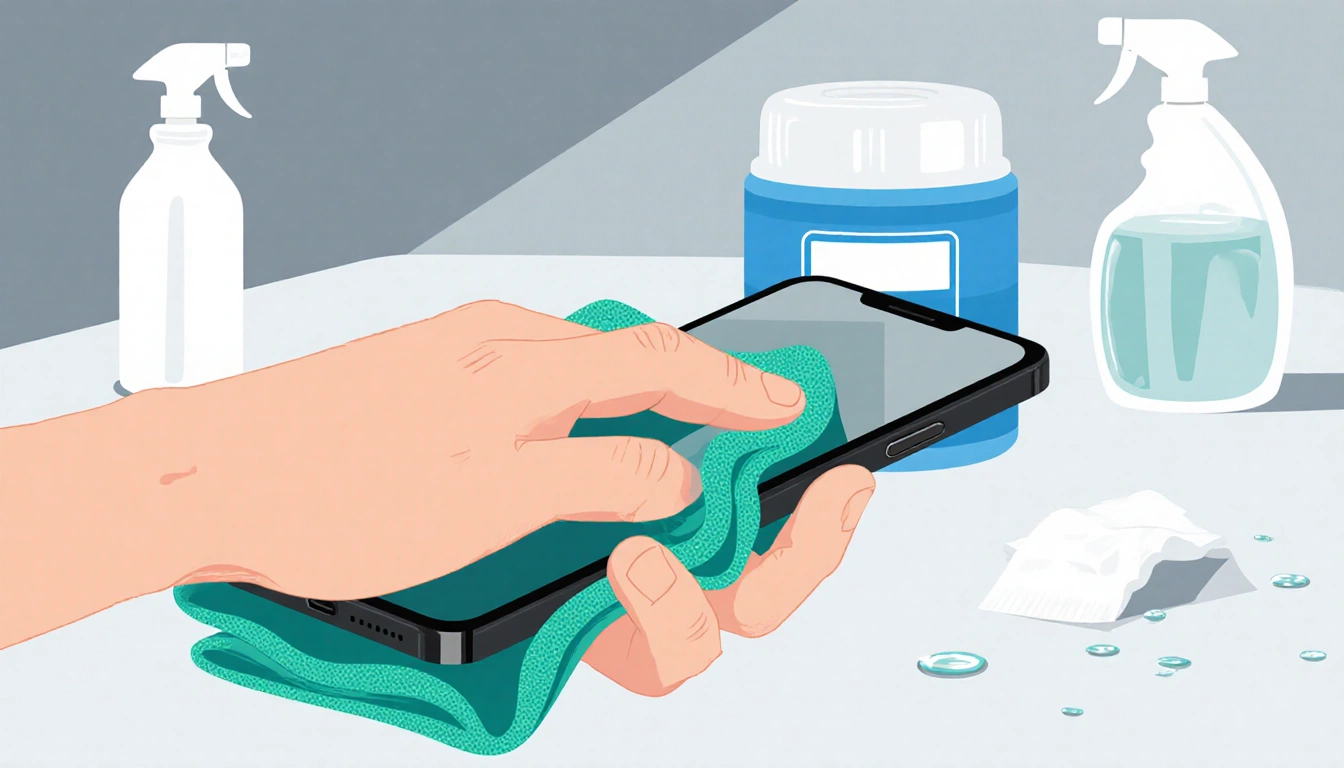
The FCC says a daily wipe is ideal, but the key is using the right material and chemical. Below are the safest options that keep the screen’s protective coating intact.
| Method | Chemical | Recommended By | Notes |
|---|---|---|---|
| Disinfectant wipes | 70% isopropyl alcohol | FCC, Apple | Safe on screen |
| Spray solution | 70% isopropyl alcohol | AT&T, Samsung | Use lint-free cloth |
| UV light box | UV-C | PhoneSoap | Kills 99.99% germs |
| Clorox wipes | 70% isopropyl alcohol | Apple | Approved post-pandemic |
Always power off the device before cleaning, and avoid abrasive materials that can scratch the display.
Removing Stubborn Stains
Fingerprints, sand, and makeup need a slightly different approach.
- Fingerprints – Use a microfiber cloth. For a deeper clean, dampen the cloth with distilled water and wipe gently.
- Sand and lint – Press Scotch tape along creases and speaker, roll it up, and insert it into ports to pull out debris. For small holes, a toothpick or a small vacuum tool works well.
- Makeup residue – Alcohol-free screen-safe removers like Whoosh are safe. Alternatively, a damp microfiber cloth cleaned afterward is effective.
Special Cases: Waterproof Phones
Even phones rated IP67 or higher should be cleaned with a damp cloth, not submerged. Afterward, pat all ports and speakers dry with a soft cloth to prevent water from entering and delaying charging.
What to Avoid
Certain everyday items can damage your phone’s protective coating and leave scratches.
- Hand sanitizer – fragrances and ethyl alcohol can harm the screen.
- Window or kitchen cleaners – harsh chemicals strip the coating.
- Paper towels – rough texture scratches the display.
- Dish and hand soap – combined with water, they can seep into ports.
- Vinegar – like other acids, it strips the protective layer.
- Compressed air – blowing directly into ports can damage the mic.
Key Takeaways
- Clean your phone daily with 70% isopropyl alcohol wipes or a microfiber cloth.
- Avoid abrasive materials and harsh chemicals that strip protective coatings.
- Use specialized tools like tape or a vacuum for stubborn debris and keep waterproof phones dry.
With a simple daily routine and the right products, you can keep your phone germ-free without risking screen damage.