

At a Glance
- Photoshop now includes multiple AI tools like Firefly, generative fill, and sky replacement.
- Users can create images from prompts, edit existing projects, and replace backgrounds with a single click.
- The tools work across desktop, web, and mobile, but pros may find them less useful.
- Why it matters: These features can cut design time and open new creative possibilities for both beginners and casual users.
Photoshop’s new AI suite lets you generate images, edit photos, and replace backgrounds without leaving the program. The features are available on desktop, web, and even on your phone, but you must first accept Adobe’s AI terms of service.
Getting Started with Photoshop AI
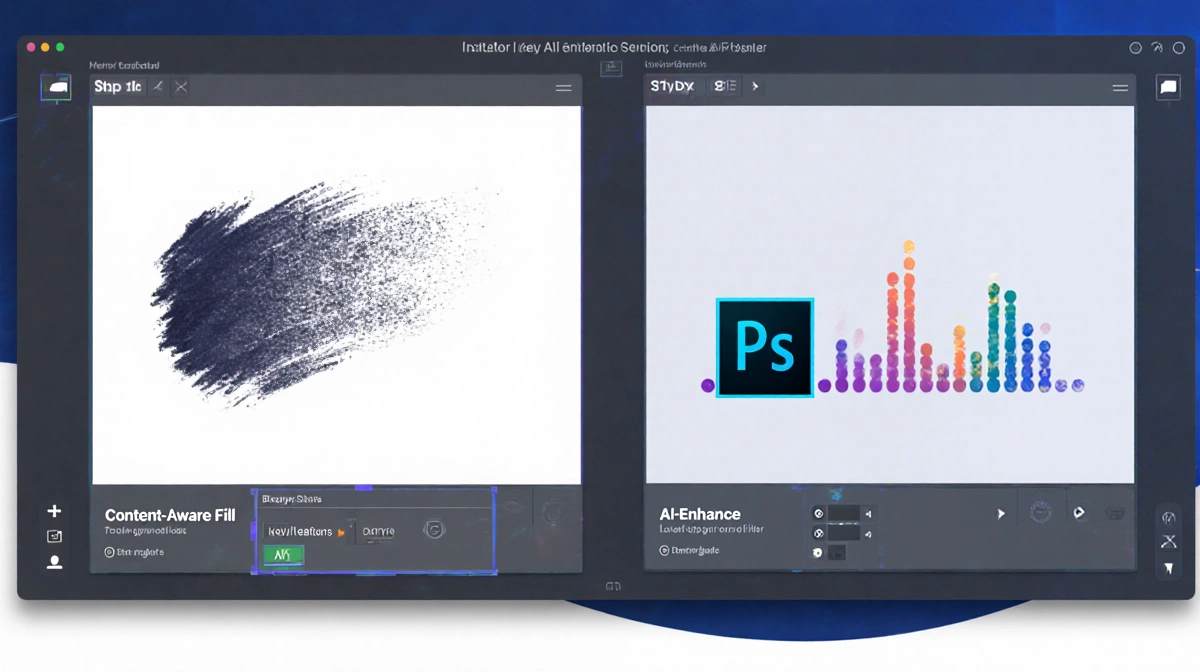
To use Firefly, open a project, tap the contextual taskbar or Edit → Generate image, enter a prompt, and hit Generate. You can add reference images and tweak style settings before generating.
Key AI Features
Photoshop offers several generative tools:
- Generative fill: Select an area, type a prompt, and the AI fills the spot.
- Generative expand: Pull the canvas edge to add space, then generate new content or enlarge the image.
- Generative remove: Use the object select tool or the remove brush to delete unwanted elements.
- Sky replacement: Choose a preset sky and adjust brightness or other settings.
- Background generation: Remove the background and replace it with a new one.
- Neural filters: Apply detailed photo edits.
- Curvature pen: Create consistent arcs for design.
Practical Tips
- Provide detailed prompts and place key elements first.
- If a result isn’t perfect, start a new prompt rather than endlessly tweaking.
- Use the feedback button to improve future generations.
Key Takeaways
- Photoshop’s AI tools streamline image creation and editing.
- Generative fill and expand are best for adding or enlarging content.
- Sky replacement and background generation work well for landscape and product shots.
These AI features may not replace expert Photoshop knowledge, but they can save time and spark creativity for many users.