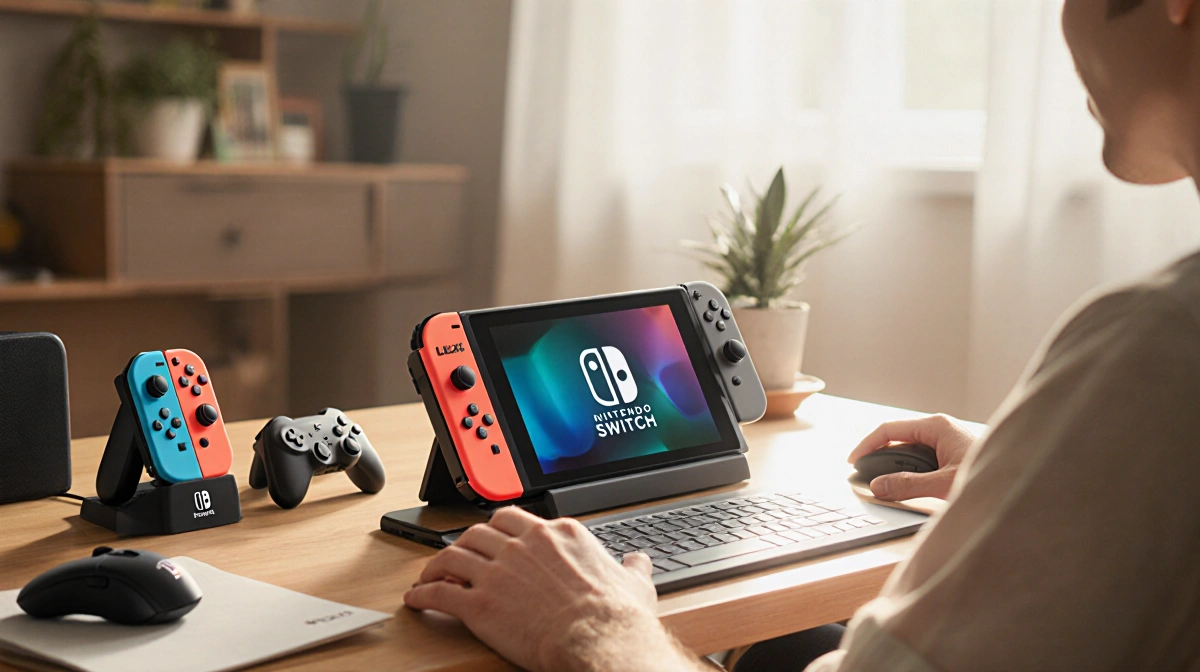

Nintendo Switch 2 launched with new features, but the default accessories leave room for improvement. Players are eager to maximize their experience, and third-party gear is reshaping how gamers play. Below we break down the must-have accessories and where to find them.
At a Glance
- Nintendo Switch 2‘s Joy-Cons can double as a mouse, but new adapters make the experience more ergonomic.
- The official dock costs $125 and is the only replacement option.
- A multi-function charger stand and several protective cases are available, with prices ranging from $15 to $35.
Mouse Mode Without Wrist Strain
One of Nintendo Switch 2‘s biggest innovations is the ability to use Joy-Cons as a mouse. However, the standard controllers feel awkward for extended use. A pair of mouse-shaped shells, sold as an LED Mouse Adaptor Duo Pack, slot each Joy-Con and add ergonomic support.
- Raised arches support the full span of the hand.
- Natural resting spots for fingers reduce wrist strain.
- 12 LED modes cycle between solid, blended, or oscillating colors.
- Requires a single AA battery per mouse.
“The result is a significantly more comfortable experience, with raised arches supporting the full span of your hand and offering natural resting spots for your fingers, both of which help massively reduce wrist strain.” – Matt Kamen.
While the adapters add a splash of color, they are a bit lightweight and the wrist straps can feel intrusive. They are currently sold only on Amazon UK, so importing may be necessary for other regions.
The Only Dock Option
Photograph: Cameron R. Hayes
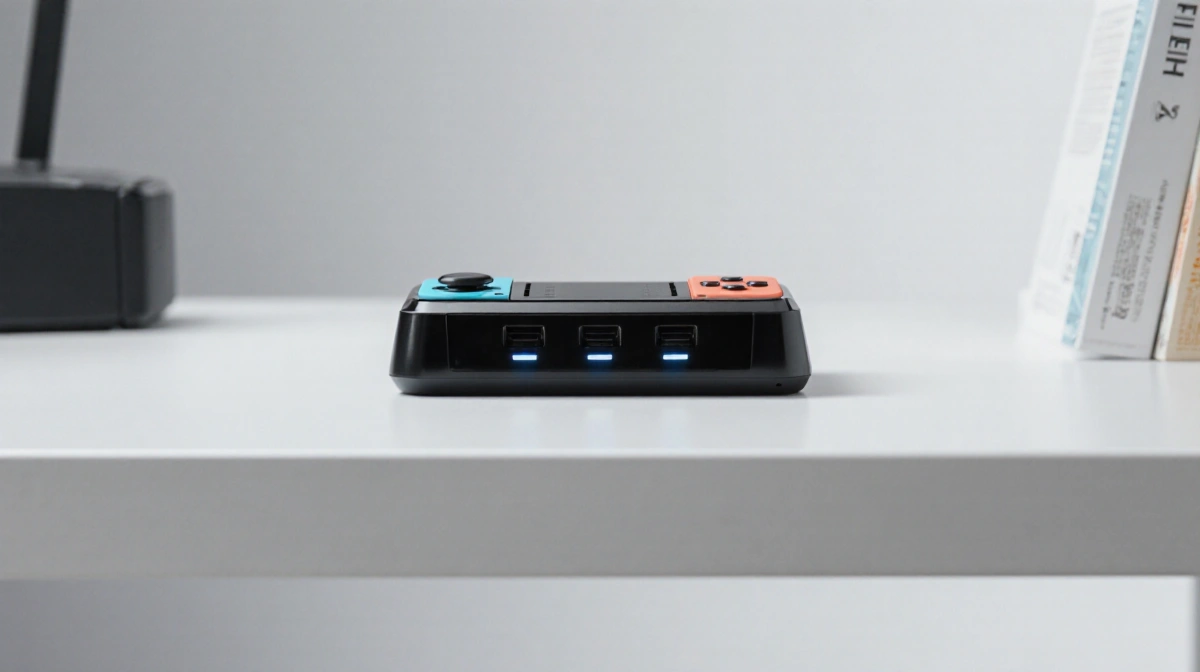
If you need an extra dock, the official Nintendo Switch 2 dock is the only replacement available. USB-C hubs tested by Cameron R. Hayes could charge the console but none could output video.
- Wider than the Switch 1 dock, less tippable.
- Easier to plug in due to larger connector.
- Costs $125 and often out of stock.
- Must log in to a qualified Nintendo account to purchase.
The dock’s price feels steep for a charger, HDMI cable, and plastic housing, but its improved stability may justify the cost for frequent users.
Other Switch 2 Accessories to Consider
DLEX+LED Multi-Function Charger Stand
Designed for streamers or desk-bound players, the DLEX+LED Multi-Function Charger Stand keeps the gaming space tidy and your controllers fully juiced. It has charging slots for four Joy-Cons 2s and four original Joy-Cons on the main base unit, all with charge indicators.
- Two pop-out USB-C cables at the rear connect additional joypads.
- Power comes from the console’s dock adapter, locked in place on the DLX2.
- Compatible with Nintendo Switch 2, original Switch, and Switch OLED.
- Two USB slots on the dock are replaced with pass-through ports on the left side.
- Holds up to nine game carts in a spring-loaded tray.
- RGB lighting adds subtle styling.
“It has charging slots for four Joy-Cons 2s and four original Joy-Cons on the main base unit, all with charge indicators, while two pop-out USB-C cables at the rear allow you to connect more conventional joypads, like the Switch 2 Pro Controller.” – Matt Kamen.
The stand can be fiddly to set up, and charging slows when all ten devices are connected, but it offers an elevated storage solution.
Spigen Rugged Armor
The Spigen Rugged Armor molded grip case adds heavy bumpers and thick Joy-Con grips, providing robust protection for younger players. However, the case is difficult to remove and cannot be used with the dock.
- Heavy bumpers protect against drops.
- Thick grips make Joy-Cons easier to hold.
- Must be removed to dock the console.
- Not suitable for frequent removal.
“This molded grip case has heavy bumpers and thick Joy-Con grips, but it was tough to remove, which you’ll have to do a lot, because it won’t fit in the dock with the case on, and you can’t separate the Joy-Cons either.” – Matt Kamen.
It is a good choice for kids who may treat the console roughly, but the inconvenience of removal may deter adult users.
Belkin TemperedGlass Screen Protector
The Belkin TemperedGlass Screen Protector offers a blue-light filter that helps during late-night sessions. Its applicator frame is not as refined as other options, and the price is $30 for a single unit.
- Blue-light filter reduces eye strain.
- Easy to apply, though the frame is less polished.
- Pricey relative to other protectors.
“While I liked the look of this screen protector, and the blue light filter is handy for late-night gaming sessions, the lackluster applicator frame isn’t quite as nice as the other options.” – Matt Kamen.
The high price may be justified for users who prioritize eye protection, but budget buyers might look elsewhere.
Dbrand Prism 2.0
Dbrand Prism 2.0 screen protectors combine protection with a unique aesthetic. They are slightly more expensive than Belkin and only available directly from Dbrand, which can add shipping costs unless bundled with other items.
- Unique prism design.
- Slightly higher price than Belkin.
- Direct purchase from Dbrand required.
- Discounts and free shipping available when buying additional accessories.
“I liked the Prism 2.0 screen protectors and their application process as much as the Spigen above. But they’re slightly more expensive and only available directly from Dbrand, so if you buy them on their own, you’ll have to pay shipping.” – Matt Kamen.
If you’re already buying a case or skin, the discount and free shipping make Prism 2.0 a worthwhile option.
Jsaux Joy-Con Charging Grip
For players who often use Joy-Cons detached, the Jsaux Joy-Con Charging Grip keeps them charged while playing. It positions the controllers at an ergonomic angle but limits motion-control use.
- Charges via USB-C slot at the top.
- Ergonomic angle improves comfort.
- Motion controls disabled when attached.
- No internal battery.
“If you often play with the Joy-Cons detached, this charging grip from Jsaux lets you continue playing while charging the controllers in the process via the USB-C slot at the top of the handle.” – Matt Kamen.
The lack of an internal battery means you still need a power source, but the grip offers a convenient way to keep Joy-Cons ready for play.
Accessory Comparison
| Accessory | Price | Key Features | Pros | Cons |
|---|---|---|---|---|
| LED Mouse Adaptor Duo Pack | $35 | Ergonomic mouse shells, 12 LED modes | Reduces wrist strain | Lightweight, wrist straps intrusive |
| DLEX+LED Charger Stand | $35 | Multi-slot charging, RGB lighting | Keeps controllers charged | Setup fiddly, slow when fully loaded |
| Spigen Rugged Armor | $18 | Heavy bumpers, thick grips | Protects kids | Difficult to remove, dock incompatible |
| Belkin TemperedGlass | $30 | Blue-light filter, tempered glass | Eye protection | Expensive, applicator frame poor |
| Dbrand Prism 2.0 | $35 | Prism design, protective | Stylish, free shipping with bundles | Only from Dbrand |
| Jsaux Charging Grip | $15 | USB-C charging, ergonomic angle | Keeps Joy-Cons charged | No internal battery, motion disabled |
Switch 2 owners now have a range of accessories that improve ergonomics, charging convenience, and protection. While some options are pricey or limited to certain regions, the overall ecosystem offers choices for every budget and play style.
Key Takeaways
- Ergonomic mouse adapters reduce wrist strain.
- The official dock is the only replacement and costs $125.
- The DLEX+LED stand charges multiple controllers and adds storage.
- Protective cases and screen protectors are available in a range of prices.
- Accessories like the Jsaux grip keep Joy-Cons charged on the go.