
At a Glance
- Old Android phones can feel sluggish, but the issue is often digital clutter, not hardware.
- Removing unused apps, deleting old files, and adjusting settings can restore speed and battery life.
- The process takes only a few minutes and costs nothing.
- Why it matters: A faster phone keeps you productive and saves money on new purchases.
If your Android feels like it’s stuck in a time warp, you probably don’t need a new handset-just a quick cleanup. Cameron R. Hayes explains how to revitalize an aging device with simple, cost-free tweaks.
Clean Up Your Phone
Start by pruning the apps that no longer serve you. Unused applications not only occupy storage but can also access personal data. Removing them frees space and reduces background activity.
- Delete forgotten apps: long-press icons or use the Play Store to uninstall.
- Remove unused system apps: some manufacturers allow disabling.
- Check for hidden apps: open the app drawer and look for rarely used icons.
Fine-Tune Settings
After clearing apps, focus on the files that have accumulated over time. The built-in file manager-called Files, My Files, or File Manager depending on the brand-helps locate and remove large or obsolete items.
- Open the file manager: locate the Downloads folder and delete or move files.
- Identify large files: most managers show a “Large files” section.
- Transfer to cloud: move photos or documents to Google Drive or another service.
Next, customize the home screen layout to make navigation smoother. Adjusting the grid size or enabling quick-access features can give your phone a fresh feel.
- Long-press a blank home area → Home settings → change grid size.
- Enable swipe-down notifications: simplifies access to alerts.
- Use icon packs: optional but can improve visual clarity.
Secure Your Data
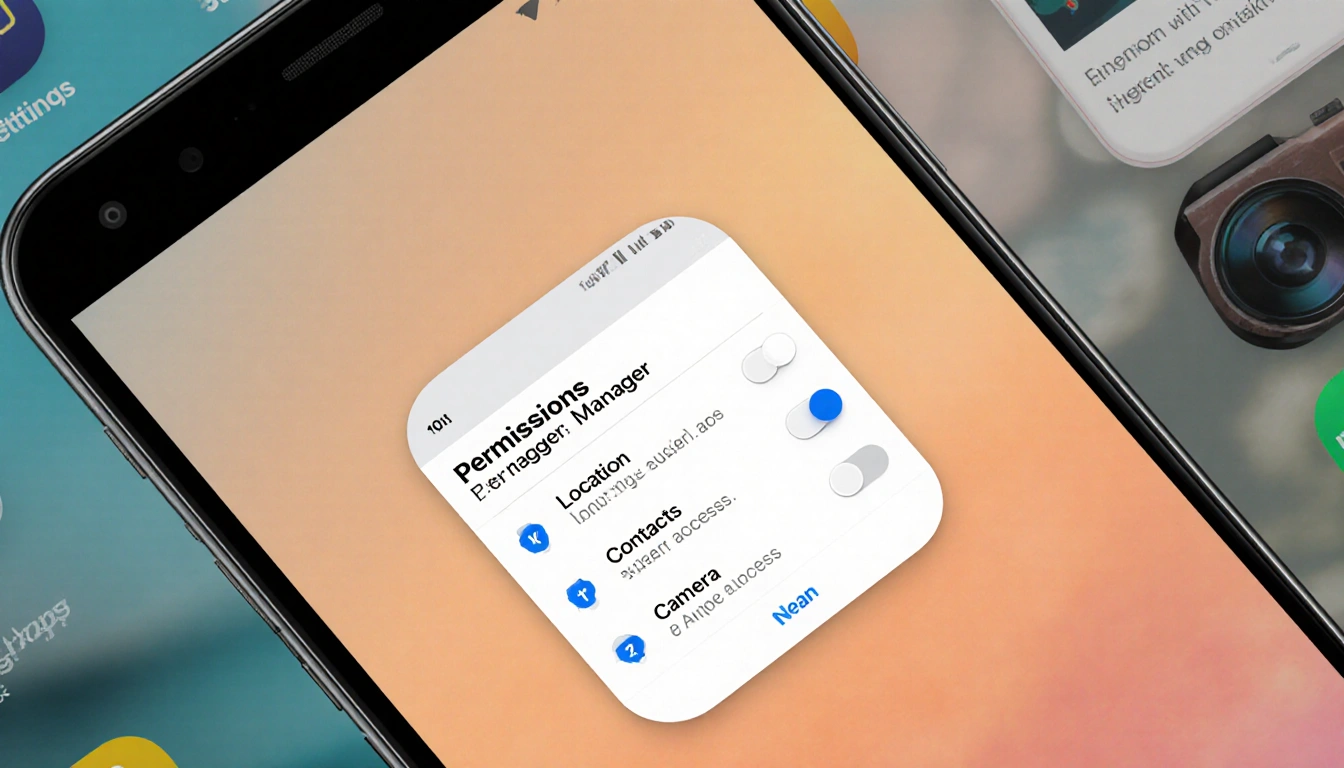
With the device cleaned and settings tuned, review privacy permissions. The Permissions Manager in Settings allows you to control which apps can access location, contacts, or camera.
- Open Settings → Privacy → Permissions Manager.
- Review each category and toggle off unwanted access.
- Turn off automatic home-screen icons: stops clutter.
Finally, activate dark mode to save battery and reduce eye strain. These small adjustments together bring your old Android back to life without spending a dime.
Key Takeaways
- Removing unused apps and files restores storage and speed.
- Customizing home-screen layout and settings improves usability.
- Reviewing permissions protects privacy and conserves battery.
With just a few minutes of cleanup, you can enjoy a faster, cleaner Android that feels brand new-no new phone required.